Quick answer: A currency conversion web service is a hosted endpoint that returns exchange rates and converted amounts to your application over HTTP. Until roughly 2015, these services were SOAP endpoints described by a WSDL file and called through generated client stubs. Nearly every public one has since gone offline. The replacement is a REST API that returns JSON or XML over HTTPS, authenticates with an API key, and answers a plain GET request.
If you searched for a currency conversion web service and landed on a WSDL file that will not load, you are not the first. The best known endpoints of that era, including the webservicex.net CurrencyConvertor.asmx service and the xmethods listings that older tutorials still point at, now return errors or fail to resolve. Stack Overflow threads and CodeProject articles written between 2006 and 2011 still rank for this search, and the services they demonstrate stopped answering years ago.
This guide covers three things. First, why those services disappeared, so you can tell a dead endpoint from a temporary outage. Second, how each part of a SOAP currency call maps onto a REST request. Third, a four step migration you can run against a live endpoint today without touching your business logic.
Every code sample below uses the CurrencyFreaks REST API and runs as written once you paste in your own key. Rate values shown in responses are illustrative. Read live values from the API before you display or store any figure.
Why the old currency conversion web services stopped working
Three structural problems retired the SOAP currency services, and none of them were technical accidents.
The first was funding. Public services like CurrencyConvertor.asmx were free, keyless, and anonymous. There was no account, no quota, and no billing relationship, so there was also no revenue to pay for rate licensing or uptime. A daily snapshot of central bank reference rates costs almost nothing to serve. Minute level rates from forex and cryptocurrency venues carry real licensing cost. When those costs arrived, unfunded endpoints had no way to absorb them.
The second was transport security. Most of those endpoints were plain HTTP. Modern platforms now refuse those calls by default: App Transport Security on iOS, cleartext restrictions on Android, and mixed content blocking in every current browser. An HTTP only web service is unreachable from a mobile app or a HTTPS page regardless of whether the server is still running.
The third was tooling. SOAP client generation moved from first class support to legacy status across mainstream frameworks. Generating a client from a WSDL is still possible, but it is no longer the default path in .NET, Java, Node.js, or Python, and the generated code carries dependencies that newer runtimes do not ship.
The practical test for any endpoint you find in an old tutorial takes one command. Request the WSDL over HTTPS and read the status code:
curl -sS -o /dev/null -w '%{http_code}\n' 'https://www.webservicex.net/CurrencyConvertor.asmx?WSDL'
A 4xx or 5xx response, a TLS handshake failure, or a DNS failure all mean the same thing in practice. The service is not coming back, and you need a REST endpoint instead.
SOAP web service versus REST API for currency conversion
If you are porting an existing integration, this table is the whole mapping. Every row is a decision the old stack made for you and the new one leaves in your hands.
| Aspect | SOAP currency web service | REST currency API |
|---|---|---|
| Contract | WSDL file, fetched and compiled into client stubs | Documented URL paths and query parameters, read at integration time |
| Transport | Often plain HTTP, blocked by current mobile and browser policies | HTTPS only |
| Request shape | POST with an XML envelope and a SOAPAction header | GET with query string parameters |
| Response payload | XML envelope wrapping a typed result | JSON by default, XML available |
| Authentication | Usually none, so no quota and no accountability | API key per account, with a monthly quota |
| Client code | Generated stubs, regenerated when the contract changes | Any HTTP client, no code generation |
| Caching | Difficult, since POST responses are not cacheable | Standard HTTP caching on GET, plus your own layer |
| Error signalling | SOAP Fault inside a 200 response body | HTTP status code plus a JSON error object |
| Historical queries | Rarely offered, and rate limited when it was | Dedicated endpoint per date, plus a time series range |
| Rate freshness | Daily reference snapshot | Plan dependent, from daily down to 60 seconds |
The row that catches most migrations is error signalling. A SOAP client treats a Fault as an application level result inside a successful HTTP call, so code written against it often ignores the status line completely. A REST client has to read the status code first. Any retry logic you carried over needs rewriting against status codes before you ship.
What to check before you commit to a currency conversion web service
Four things decide whether an endpoint survives contact with production. Check each one against the provider's documentation before you write integration code, not after.s
Update frequency, and the date your history actually starts
Ask two separate questions, because providers often answer only the first. How often does the rate change, and how far back can you query it?
Update frequency is plan dependent almost everywhere, and the free tier is usually a daily snapshot. On CurrencyFreaks the Developer plan refreshes every 24 hours, Starter refreshes hourly, Growth every 10 minutes, and Professional and Enterprise every 60 seconds. Build against the frequency you will pay for, not the one in the marketing copy. A pricing engine written against 60 second rates behaves differently when it receives a 24 hour old snapshot.
Historical depth matters more than most teams expect at integration time, and it is expensive to discover later. Reconciliation, invoice restatement, and audit all need the rate as it stood on a specific past date, not today's rate applied retroactively.
CurrencyFreaks historical coverage begins on 28 November 1984, but per currency start dates vary. The Euro begins on 31 December 1998 because the currency did not exist earlier, and several currencies begin in the 1990s or 2000s. Check the supported currencies list for the exact first available date on every code your reports touch.
One habit worth adopting: store the rate you used with the transaction, alongside the timestamp and the source. Recomputing a historical conversion from a live endpoint months later will not reproduce the number on the invoice, and that gap is what auditors find.
Coverage across fiat, metals, and cryptocurrencies
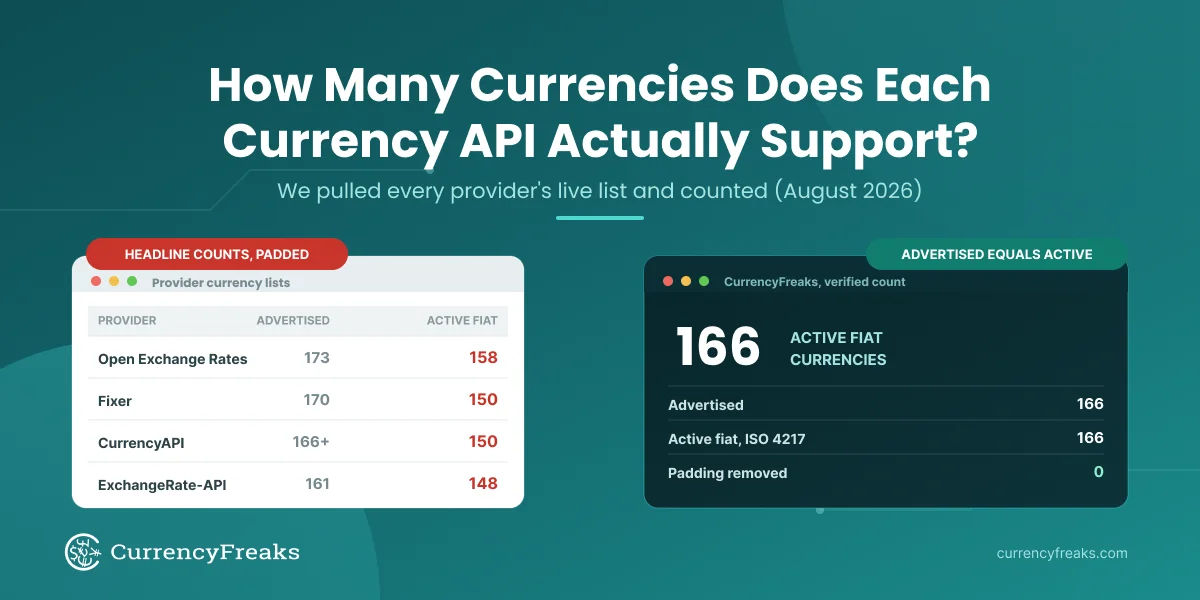
Count the currency types you need, not the headline number. A provider advertising a four figure currency count is usually counting cryptocurrency pairs, which inflates the total without helping a team that settles in fiat.
CurrencyFreaks covers fiat currencies, precious metals, and cryptocurrencies through the same endpoints and the same response shape, so adding XAU or BTC to an existing integration is a change to one query parameter rather than a second integration. Metals are quoted with standard ISO codes, which means XAU, XAG, XPT, and XPD behave like any other currency code in a request.
Verify the codes you need individually before you commit. The supported currencies list gives every code, its full name, and its first available historical date. That page is the authoritative source, and it is worth checking against your own required list rather than trusting a total.
Latency, and where you measure it from
A published latency figure is only useful when the provider states where it was measured and at which percentile. Treat any single number without those two qualifiers as marketing rather than a service characteristic.
Measure it yourself before you commit, from the region your servers actually run in. One request tells you very little, so run a few dozen and read the distribution:
for i in $(seq 1 30); do
  curl -sS -o /dev/null -w '%{time_total}\n' \
    'https://api.currencyfreaks.com/v2.0/rates/latest?apikey=YOUR_API_KEY&symbols=EUR,GBP,PKR'
done | sort -n | awk '{a[NR]=$1} END {print "p50", a[int(NR*0.5)]; print "p95", a[int(NR*0.95)]}'
Returns the median and 95th percentile round trip time for 30 sequential requests from your own host.
Two design points matter more than raw latency for a currency service. Rates change on a fixed schedule set by your plan, so a cache with a time to live matched to that schedule removes most requests from the critical path entirely. And a conversion that blocks checkout needs a fallback: hold the last known good rate in your own store and serve it with its timestamp if the request fails, rather than failing the transaction.
Response format and language examples
The format question is short. A REST currency service should return JSON by default and XML on request, and it should document the exact field names in the response rather than only showing a sample.
That distinction matters during migration. Field names are where ported code breaks silently: a conversion endpoint that returns convertedAmount will hand back None to code reading a field called result, and nothing raises an error. The CurrencyFreaks documentation lists every parameter and every response field per endpoint, with working examples in Shell, Node.js, Java, Python, PHP, Ruby, JavaScript, C#, Go, C, and Swift. Read the response field table for each endpoint you call and map field names explicitly.
The CurrencyFreaks endpoints a migration touches
Six endpoints cover almost every SOAP era operation. All of them sit under the base URL https://api.currencyfreaks.com/v2.0/ and take an apikey query parameter.
Where the rates come from
Rates are aggregated from forex exchanges, cryptocurrency exchanges, the European Central Bank, and other national banks, then published at the frequency set by your plan. Every plan, including the free Developer plan, is served over TLS, so there is no HTTP only tier to work around.
That sourcing detail is worth recording in your own system rather than only reading once. When a figure is questioned months later, the useful answer names the provider, the timestamp, and the refresh interval that applied at the time. Store all three with the transaction.
Endpoint reference
| Endpoint | Path | What it replaces |
|---|---|---|
| Latest Rates | /rates/latest | The GetRate or ConversionRate operation on a SOAP service |
| Historical Rates | /rates/historical | A dated rate lookup, if the old service offered one |
| Latest Conversion | /convert/latest | ConversionRate followed by client side multiplication |
| Historical Conversion | /convert/historical | A dated conversion, usually hand rolled against a rate lookup |
| Time Series | /timeseries | A loop of one call per date |
| Fluctuation | /fluctuation | Two rate lookups plus your own difference calculation |
| IP to Currency | /iptocurrency | A separate geolocation service plus a rate lookup |
Two of these have no SOAP era equivalent worth porting. Time Series returns a full date range in one request, which removes the request loop that made historical backfills slow and quota expensive. Fluctuation returns the absolute and percentage change between two dates directly, so the arithmetic and the rounding decisions move server side.
Plan gating applies to three of them: IP to Currency requires Growth or above, and Time Series and Fluctuation require Professional or above. The plan section further down sets out which boundaries affect a migration.
How to migrate a SOAP currency call to a REST request
Four steps, in order. Each one is testable on its own, so you can verify the new call before you delete the old client.
Step 1: Map the SOAP operation to an endpoint and confirm it returns
Start by naming the operation your old client called and picking its replacement from the endpoint reference above. A GetRate or ConversionRate operation maps to /rates/latest. A conversion that multiplied on the client maps to /convert/latest.
Confirm the endpoint answers before you write any code. One request, read the status line:
curl -sS -w '\nHTTP %{http_code}\n' \
  'https://api.currencyfreaks.com/v2.0/rates/latest?apikey=YOUR_API_KEY&symbols=EUR,GBP,PKR'
Returns the current rates for EUR, GBP, and PKR against the default USD base, plus the HTTP status code on the last line. The symbols parameter is worth using from the start: without it the response carries every supported currency, which is a large payload to parse when you need three values.
If you want to sanity check a rate against a rendered figure before wiring anything up, the live exchange rates page reads from the same data. Comparing the two is a fast way to confirm your base currency assumption is right.
One base currency note that catches free tier integrations: the Developer plan serves USD as the base only. A base parameter is available from Starter upward. If your old service quoted against something other than USD, that plan boundary is part of the migration, not an optimisation to postpone.
Step 2: Replace the SOAP envelope with a GET request
The envelope, the SOAPAction header, and the generated stub all collapse into one URL. Convert 500 USD to PKR:
curl -sS 'https://api.currencyfreaks.com/v2.0/convert/latest?apikey=YOUR_API_KEY&from=USD&to=PKR&amount=500'
Returns a JSON object containing date, from, to, rate, givenAmount, and convertedAmount.
The same call in Python, written so a failure is visible rather than silent:
import requests

API_KEY = "YOUR_API_KEY"
BASE_URL = "https://api.currencyfreaks.com/v2.0"

def convert(from_currency, to_currency, amount):
    """Return the converted amount as a string, or raise on failure."""
    response = requests.get(
        f"{BASE_URL}/convert/latest",
        params={
            "apikey": API_KEY,
            "from": from_currency,
            "to": to_currency,
            "amount": amount,
        },
        timeout=10,
    )
    response.raise_for_status()
    payload = response.json()
    return payload["convertedAmount"], payload["rate"], payload["date"]

if __name__ == "__main__":
    converted, rate, as_of = convert("USD", "PKR", 500)
    print(f"500 USD = {converted} PKR at {rate}, as of {as_of}")
Prints the converted amount with the rate and timestamp that produced it.
Three deliberate choices in that snippet. raise_for_status() turns a 4xx or 5xx into an exception, which is the behaviour a ported SOAP client usually lacks. Subscript access rather than .get() means a renamed field fails loudly instead of returning None. And returning the rate and date alongside the amount gives you the three values worth storing with the transaction.
Step 3: Read the response fields by their documented names
This is where ported integrations break most often, so it is worth one worked example. The IP to Currency endpoint resolves the visitor's currency from their IP address and converts in the same call, which removes a geolocation service from your stack.
There is no to parameter on this endpoint. You send the currency you are converting from, and the API returns the target currency it resolved from the IP as the to field:
import requests

API_KEY = "YOUR_API_KEY"

response = requests.get(
    "https://api.currencyfreaks.com/v2.0/iptocurrency",
    params={"apikey": API_KEY, "from": "GBP", "ip": "182.186.18.9", "amount": 500},
    timeout=10,
)
response.raise_for_status()
data = response.json()

print(f"Resolved currency: {data['to']}")
print(f"Rate:              {data['rate']}")
print(f"Given amount:      {data['givenAmount']} {data['from']}")
print(f"Converted amount:  {data['convertedAmount']} {data['to']}")
print(f"As of:             {data['date']}")
Prints the currency resolved from the IP address, the rate applied, and both amounts. The IP used here geolocates to Pakistan, so to comes back as PKR.
The field names are the point. This endpoint returns givenAmount and convertedAmount, not amount and result. Code reading the wrong names with .get() prints None for both and raises nothing, which is exactly the class of bug that survives a migration and reaches production. Read the response field table in the documentation for every endpoint you call, and use subscript access so a mismatch fails on the first request.
Omit the ip parameter and the endpoint uses the caller's IP address. That is useful in a browser context and wrong in a server context, where the caller is your own server.
IP to Currency requires the Growth plan or above.
Step 4: Rewrite error handling against HTTP status codes
A SOAP client read failures out of a Fault element inside a 200 response. A REST client reads the status line, and any retry logic you carried over needs rebuilding around it.
CurrencyFreaks uses standard status codes. A 200 carries the result. A 4xx carries a JSON error object naming the problem, and 429 specifically means the monthly quota is spent. A 5xx is a server side failure.
The distinction that matters for retries is whether the call can succeed if repeated. A 401 or a 400 will fail identically every time, because the key or the parameter is wrong. Retrying either one burns quota and delays the error your caller is waiting for. A 429 will not succeed until the quota resets or the plan changes, so it needs an alert rather than a retry. Only a 5xx and a network timeout are worth retrying, with backoff.
import requests
from requests.adapters import HTTPAdapter
from urllib3.util.retry import Retry

session = requests.Session()
session.mount("https://", HTTPAdapter(max_retries=Retry(
    total=3,
    backoff_factor=0.5,
    status_forcelist=[500, 502, 503, 504],
    allowed_methods=["GET"],
)))
Retries only server side failures, three times, with exponential backoff. Client errors and quota exhaustion surface immediately.
One more habit that pays for itself: cache the response for the length of your plan's refresh interval. On a 60 second plan, a 60 second time to live serves every repeated request from memory without returning a staler rate than the API would have. On a 24 hour plan it removes almost all of your traffic.
Quota exhaustion is the most common production failure on a metered currency service, and caching to the refresh interval is the cheapest fix.
Choosing between the current REST providers
Once you have accepted that the SOAP endpoints are gone, the remaining question is which REST provider to standardise on. That comparison depends on details this guide cannot settle for you: the currencies you need, the refresh interval your pricing logic assumes, and whether you need historical or time series data at all.
Three criteria separate the current options in practice. First, whether the free tier lets you set a base currency other than USD, since many do not and it changes your integration. Second, whether historical data is available on paid plans only, and how far back. Third, whether the provider meters by month or throttles by minute, because a monthly quota and a per minute rate limit fail in completely different ways under a traffic spike.
For a provider by provider breakdown against those criteria, see the 10 best currency exchange API options comparison, which covers pricing tiers, coverage, and update frequency side by side.
Two behaviours worth knowing before you go live
Speed is the favorite thing of developers, and CurrencyFreaks does not disappoint in that regard.
Quota is monthly, with no per minute throttle
There is no daily or hourly throttle on the CurrencyFreaks API. The only limit is your plan's monthly call quota, which means a traffic spike does not hit a rate limiter mid request. You can spend the whole month's quota in a day if that is what your traffic does.
That trade is worth understanding rather than just accepting. A per minute rate limit fails predictably and recoverably: requests are rejected, and they succeed again a minute later. A monthly quota fails once and stays failed until the month resets or you upgrade. So the spike that a throttled service survives with degraded performance is the spike that exhausts a monthly quota completely.
Two things make that manageable. Usage notifications arrive by email at 80 percent, 90 percent, and 100 percent of quota, so the warning comes before the failure rather than with it. And caching to your plan's refresh interval, as described in Step 4, removes the repeated requests that consume quota without returning new data. Set an alert on the 80 percent notification and treat it as an incident signal, not a receipt.
Which plan a migration needs
Three plan boundaries affect the migration itself rather than the budget. A base currency other than USD requires Starter or above. IP to Currency requires Growth or above. Time Series and Fluctuation require Professional or above.
The free Developer plan is enough to complete every step in this guide and verify your new client against a live endpoint. Current quotas, refresh intervals, and per plan feature availability are on the pricing page.
Which endpoint each kind of integration needs
| Integration | Endpoints it needs | Plan floor |
|---|---|---|
| Storefront showing local prices | /iptocurrency | Growth |
| Checkout or payment conversion | /convert/latest | Developer |
| Invoicing and revenue reporting | /convert/historical, /rates/historical | Starter |
| Accounting and audit reconciliation | /rates/historical, /timeseries | Professional |
| Charts, dashboards, and rate alerts | /timeseries, /fluctuation | Professional |
| Research and model backfills | /timeseries | Professional |
Read the plan floor column as the point where the feature becomes available, not the plan your volume will need.
One pattern is worth calling out because it is the most common mistake in this list. Invoicing and reporting integrations reach for /rates/latest because it is the endpoint they already have, then apply today's rate to a past transaction. The number that produces will not match the invoice, and the difference compounds across a reporting period. Use /convert/historical with the transaction date, or store the rate at transaction time and use the stored value.
What to do next
If you arrived here from a WSDL that will not load, the endpoint is not coming back and there is nothing to wait for. The migration is smaller than it looks: one URL replaces the envelope and the generated client, and the work that remains is mapping response field names and rewriting error handling against status codes.
Three things are worth doing before you consider the migration finished. Map every response field explicitly and access it in a way that fails loudly, because a renamed field is the failure mode that survives testing. Cache to your plan's refresh interval, because quota exhaustion is the most common production failure on a metered service. Store the rate, the timestamp, and the source with every transaction, because recomputing a historical conversion later will not reproduce the figure on the invoice.
Run the four steps above against the free plan first. It is enough to prove the new client works end to end before you delete the old one.
FAQs
Is there an API web service for currency conversion?
Yes. A currency conversion API is a hosted web service that returns exchange rates and converted amounts over HTTPS, in JSON or XML. Current providers use REST with an API key rather than the SOAP and WSDL pattern common before 2015. CurrencyFreaks is one such service, with a free tier of 1,000 calls a month.
Does Google have a currency converter API?
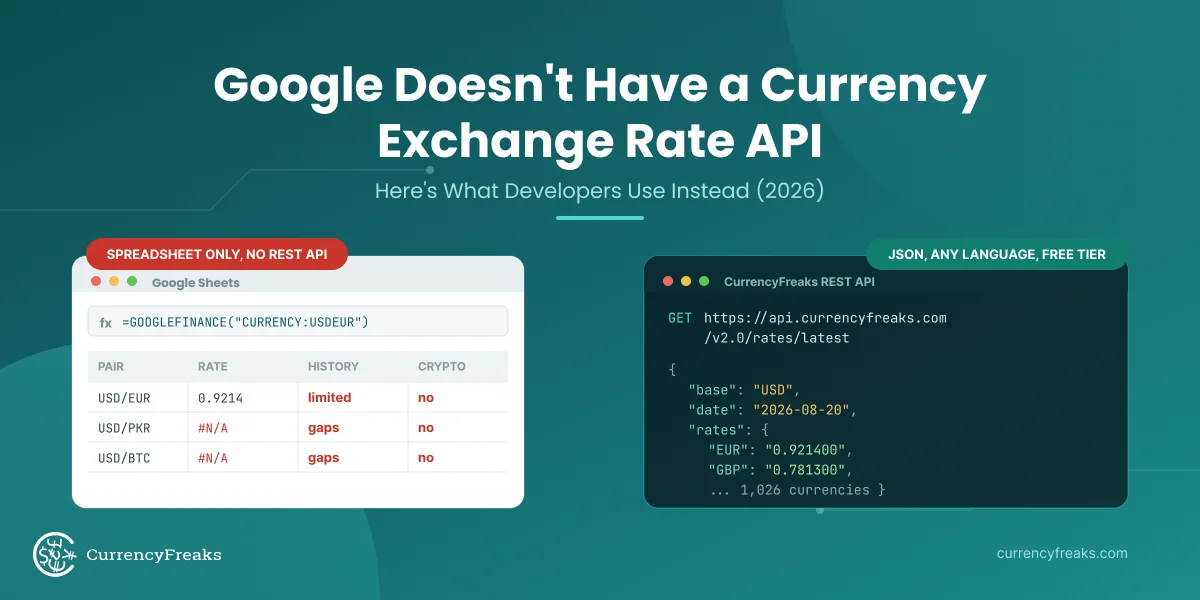
No. Google does not offer a public currency conversion API, and the unofficial calculator endpoint that older tutorials call was retired years ago. The conversion box shown in Google search results is not an available API. Programmatic access requires a dedicated provider such as CurrencyFreaks, Fixer, or Open Exchange Rates.
Is there a free forex API?
Yes. The CurrencyFreaks Developer plan is free and includes 1,000 API calls a month over TLS, with rates refreshed every 24 hours and USD as the base currency. A base currency other than USD, plus historical and conversion endpoints, requires a paid plan. The free tier is enough to build and test an integration end to end.
Can I call a REST currency API from legacy SOAP client code?
Not directly. A generated SOAP stub expects a WSDL contract and an XML envelope that a REST endpoint does not serve. Replace the stub with a plain HTTP GET call, which most legacy runtimes support natively. If the calling code cannot change, a small internal adapter exposing the old operation names lets you migrate the client separately.
What is the difference between a currency web service and a currency API?
In current usage there is no meaningful difference, and both terms describe a hosted endpoint returning exchange rate data over HTTP. The phrase "web service" is older and usually implies the SOAP and WSDL pattern, while "API" is used for the REST and JSON services that replaced it. If a document from before roughly 2015 says web service, expect SOAP.