Last updated: 5 August 2026
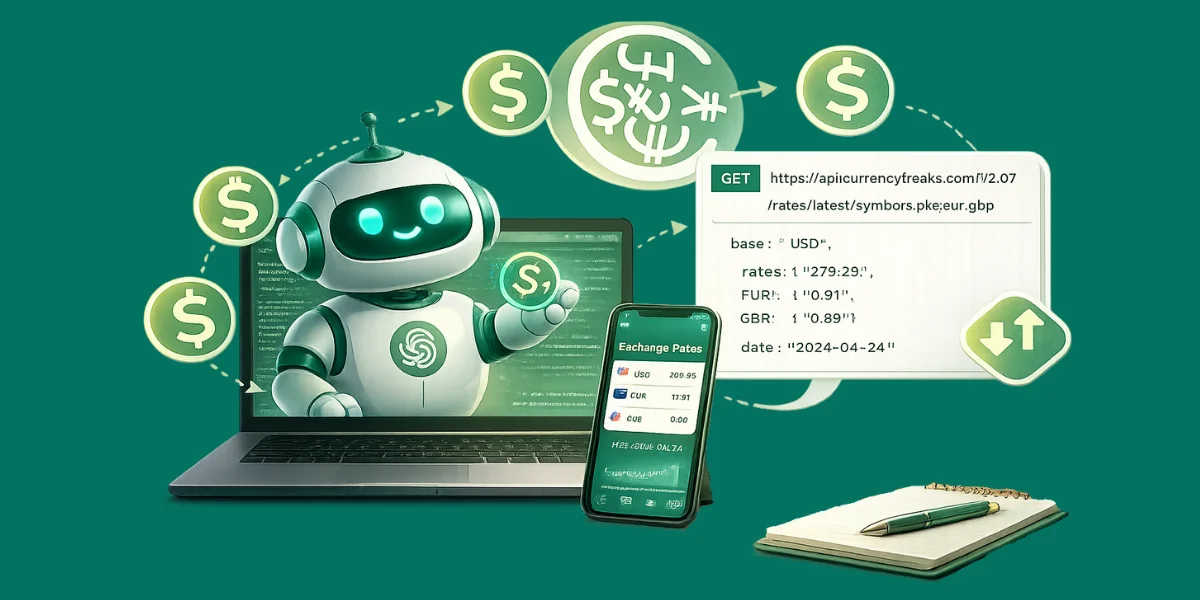
AI assistants like ChatGPT, Claude, and Gemini do not have access to live exchange rates. Their training data has a knowledge cutoff, and currency rates change every minute. If you ask a model what the current EUR/USD rate is, it will either hallucinate a number, cite an outdated figure, or decline to answer.
The solution is tool use: connecting the AI model to a live currency API so it fetches real data when a user asks a currency question. This guide covers three integration patterns: OpenAI function calling with ChatGPT, the Model Context Protocol (MCP) for Claude and other MCP-compatible clients, and a Google Gemini function declaration.
We use the CurrencyFreaks API throughout. It covers 1000+ currencies including fiat, crypto, and metals, with a free plan of 1,000 calls/month.
Pattern 1 - OpenAI Function Calling with ChatGPT
OpenAI's function calling lets you define tools that the model can invoke when it needs real data. Define a get_exchange_rate function and pass it with your chat completion request:
import openai, requests, json, os
client = openai.OpenAI(api_key=os.environ['OPENAI_API_KEY'])
CF_KEY = os.environ['CF_API_KEY']

tools = [{
  "type": "function",
  "function": {
    "name": "get_exchange_rate",
    "description": "Get the current exchange rate between two currencies using live data",
    "parameters": {
      "type": "object",
      "properties": {
        "base": {"type": "string", "description": "Base currency ISO code, e.g. USD"},
        "target": {"type": "string", "description": "Target currency ISO code, e.g. EUR"},
        "amount": {"type": "number", "description": "Amount to convert (optional, default 1)"}
      },
      "required": ["base", "target"]
    }
  }
}]

def get_exchange_rate(base, target, amount=1):
    res = requests.get('https://api.currencyfreaks.com/v2.0/rates/latest',
                       params={'apikey': CF_KEY, 'base': base, 'symbols': target},
                       timeout=5)
    rate = float(res.json()['rates'][target])
    return {'rate': rate, 'converted': round(amount * rate, 4),
            'base': base, 'target': target, 'date': res.json()['date']}

def chat_with_rates(user_message):
    messages = [{'role': 'user', 'content': user_message}]
    response = client.chat.completions.create(
        model='gpt-4o', messages=messages, tools=tools, tool_choice='auto'
    )
    msg = response.choices[0].message
    if msg.tool_calls:
        for call in msg.tool_calls:
            args = json.loads(call.function.arguments)
            result = get_exchange_rate(**args)
            messages.append(msg)
            messages.append({'role': 'tool', 'tool_call_id': call.id,
                             'content': json.dumps(result)})
        final = client.chat.completions.create(
            model='gpt-4o', messages=messages, tools=tools
        )
        return final.choices[0].message.content
    return msg.content

# Test it
print(chat_with_rates('How much is 500 USD in Japanese Yen right now?'))
When you run this, ChatGPT will invoke get_exchange_rate with base="USD", target="JPY", amount=500, receive the live rate from CurrencyFreaks, and return a natural language response citing the actual current rate.
Pattern 2 - MCP Server for Claude and Other AI Clients
The Model Context Protocol (MCP) is an open standard for connecting AI models to external data sources. Claude, and any other MCP-compatible client, can use an MCP server to call tools without any per-conversation function definition. This is the most scalable pattern for production AI applications.
Build a minimal MCP server that exposes CurrencyFreaks as a tool:
# requirements: mcp, requests
# pip install mcp requests
import requests, os
from mcp.server.fastmcp import FastMCP

mcp = FastMCP('CurrencyFreaks')
CF_KEY = os.environ['CF_API_KEY']

@mcp.tool()
def get_exchange_rate(base: str, target: str, amount: float = 1.0) -> dict:
    """Get the live exchange rate between two currencies.
    Args:
        base: ISO 4217 base currency code (e.g. USD, EUR, GBP)
        target: ISO 4217 target currency code
        amount: amount to convert (default 1)
    """
    res = requests.get('https://api.currencyfreaks.com/v2.0/rates/latest',
                       params={'apikey': CF_KEY, 'base': base, 'symbols': target},
                       timeout=5)
    res.raise_for_status()
    rate = float(res.json()['rates'][target])
    return {'rate': rate, 'converted': round(amount * rate, 4),
            'base': base, 'target': target, 'timestamp': res.json()['date']}

@mcp.tool()
def get_historical_rate(date: str, base: str, target: str) -> dict:
    """Get the exchange rate for a specific historical date.
    Args:
        date: date in YYYY-MM-DD format
        base: ISO 4217 base currency code
        target: ISO 4217 target currency code
    """
    res = requests.get('https://api.currencyfreaks.com/v2.0/rates/historical',
                       params={'apikey': CF_KEY, 'date': date,
                               'base': base, 'symbols': target},
                       timeout=5)
    res.raise_for_status()
    rate = float(res.json()['rates'][target])
    return {'rate': rate, 'date': date, 'base': base, 'target': target}

if __name__ == '__main__':
    mcp.run()
Save this as currency_mcp_server.py. In Claude Desktop's configuration file (claude_desktop_config.json), register it:
{
  "mcpServers": {
    "currencyfreaks": {
      "command": "python",
      "args": ["/path/to/currency_mcp_server.py"],
      "env": { "CF_API_KEY": "your_api_key_here" }
    }
  }
}
Once registered, Claude can answer questions like "What is 1,000 GBP in Indian Rupees right now?" or "What was the EUR/USD rate on 1 January 2026?" by invoking the tools directly - no prompting required.
Pattern 3 - Google Gemini Function Declarations
Gemini uses function declarations in a similar pattern to OpenAI. Pass the tool definition in your generate_content call:
import google.generativeai as genai
import requests, os

genai.configure(api_key=os.environ['GOOGLE_API_KEY'])
CF_KEY = os.environ['CF_API_KEY']

get_rate_tool = genai.protos.Tool(
    function_declarations=[genai.protos.FunctionDeclaration(
        name='get_exchange_rate',
        description='Fetch the current exchange rate from CurrencyFreaks',
        parameters=genai.protos.Schema(
            type=genai.protos.Type.OBJECT,
            properties={
                'base': genai.protos.Schema(type=genai.protos.Type.STRING),
                'target': genai.protos.Schema(type=genai.protos.Type.STRING),
            },
            required=['base', 'target']
        )
    )]
)

model = genai.GenerativeModel('gemini-1.5-pro', tools=[get_rate_tool])
chat = model.start_chat(enable_automatic_function_calling=True)

def handle_rate_call(fc):
    res = requests.get('https://api.currencyfreaks.com/v2.0/rates/latest',
                       params={'apikey': CF_KEY, 'base': fc.args['base'],
                               'symbols': fc.args['target']}, timeout=5)
    return float(res.json()['rates'][fc.args['target']])

response = chat.send_message('Convert 250 USD to Korean Won')
print(response.text)
Choosing the Right Pattern
| Pattern | Best for |
|---|---|
| OpenAI function calling | ChatGPT integrations, existing OpenAI-based chatbots |
| MCP server | Claude Desktop, any MCP-compatible client, multi-tool production setups |
| Gemini function declarations | Google Workspace integrations, Vertex AI pipelines |
Security Notes
- Always call the CurrencyFreaks API from a server-side function - never pass your API key to the browser or include it in client-side JavaScript
- Validate the currency codes returned by the AI before passing them to the API - models can occasionally hallucinate non-standard codes
- Rate-limit your tool endpoint if you are serving it as a shared service to prevent a single user from exhausting your monthly quota
FAQs
Can I use this with the CurrencyFreaks free plan?
Yes. The free plan (1,000 calls/month) is enough for development and light production use. Each AI tool invocation costs one API call. Implement caching in the tool function to avoid redundant calls when the same pair is requested multiple times in a session.
Does Claude support MCP natively?
Yes. Claude Desktop supports MCP servers natively. Any MCP server you register in claude_desktop_config.json is automatically available as a tool in every Claude conversation.
What happens when the AI calls the tool with an invalid currency code?
The CurrencyFreaks API will return a 422 error. Handle this in your tool function and return a clear error message so the AI can inform the user rather than crashing silently.
Can I give the AI access to historical rates as well?
Yes. The get_historical_rate tool in the MCP example above covers this. Pass date, base, and target - the API returns the rate for any date back to 1984 on paid plans.