Last updated: 02 July 2026
Introduction
If you are currently using Fixer API and looking to switch, this guide maps every Fixer endpoint to its CurrencyFreaks equivalent so you can migrate without rewriting your integration from scratch.
The migration is mostly a find-and-replace on your base URL and authentication parameter, plus a few endpoint paths and two response adjustments. For a typical latest-rates integration it takes under an hour. This guide shows exactly what changes and what stays the same, with before-and-after code in Python, JavaScript, and PHP.
One thing to set up front so nothing surprises you mid-migration: some endpoints that are paid on Fixer are also paid on CurrencyFreaks. The plan-availability table below maps each endpoint to the CurrencyFreaks plan that unlocks it, so you can confirm your target plan before you cut over.
Why Developers Switch from Fixer
These are the differences that most often push developers toward a Fixer alternative. Each figure below reflects the current public plans of both providers (figures verified July 2026).
Smaller free tier on Fixer. Fixer's free plan allows 100 API requests per month. The CurrencyFreaks free Developer plan allows 1,000 requests per month, so prototypes and low-traffic apps can run longer before you pay anything.
EUR-only base currency on the Fixer free plan. Fixer locks the base currency to EUR on the free tier. If your application uses USD, GBP, or any other base, you need a paid Fixer plan. CurrencyFreaks uses USD as the free-plan base and allows any base currency on paid plans.
For a full side-by-side comparison of pricing and plan features, see the Fixer API vs CurrencyFreaks comparison.
Fixer API Replacement: What Changes
The migration is a targeted set of changes, not a full rewrite. Here is what changes and what stays the same before you touch any code.
What changes:
- Base URL:
https://data.fixer.io/api/→https://api.currencyfreaks.com/v2.0/ - Auth parameter:
access_key→apikey - Endpoint paths:
/latest→/rates/latest,/convert→/convert/latest, date-in-path historical →?date=YYYY-MM-DDquery parameter,/symbols→/currency-symbols - Time series parameter casing:
start_date/end_date→startDate/endDate - Response: rate values are strings (
"0.923100") not numbers, and there is nosuccessfield
What stays the same:
- Parameter names:
symbols,base,from,to,amount - Response fields:
base,date,rates - HTTPS transport - SSL is included on all plans
The sections below cover each change in detail with side-by-side code.
Plan Availability: Confirm Before You Migrate
On CurrencyFreaks, the latest-rates endpoint runs on the free plan, but conversion, historical, time series, and fluctuation require a paid plan. Match your usage to the plan that unlocks the endpoints you call.
| CurrencyFreaks endpoint | Minimum plan |
|---|---|
Latest rates (/rates/latest) |
Developer (free) |
Currency symbols (/currency-symbols) |
Developer (free), no key required |
Custom base currency (base parameter) |
Starter ($9.99/mo) |
Currency conversion (/convert/latest) |
Starter ($9.99/mo) |
Historical rates (/rates/historical) |
Starter ($9.99/mo) |
Historical conversion (/convert/historical) |
Starter ($9.99/mo) |
IP to currency (/iptocurrency) |
Growth ($49.99/mo) |
Time series (/timeseries) |
Professional ($99.99/mo) |
Fluctuation (/fluctuation) |
Professional ($99.99/mo) |
If you only call latest rates with a USD base, the free Developer plan covers your migration end to end. Note that the free plan updates rates every 24 hours, with faster update intervals on paid plans.
Authentication: What Changes
Fixer uses access_key as the query parameter name. CurrencyFreaks uses apikey. Both providers serve all plans over HTTPS with SSL encryption, so your transport layer does not change.
| Fixer | CurrencyFreaks | |
|---|---|---|
| Auth parameter name | access_key |
apikey |
| Base URL | https://data.fixer.io/api/ |
https://api.currencyfreaks.com/v2.0/ |
| Free-plan base currency | EUR only | USD |
| Free-plan requests/month | 100 | 1,000 |
For most applications, swapping the base URL and renaming the auth parameter gets you most of the way there. The endpoint-path and parameter differences below cover the rest.
Endpoint Mapping
Every Fixer endpoint has a direct CurrencyFreaks equivalent. The paths differ in a few specific places, so map them exactly rather than assuming a shared prefix.
| Use case | Fixer endpoint | CurrencyFreaks endpoint |
|---|---|---|
| Latest rates | GET /latest |
GET /rates/latest |
| Historical rates | GET /{YYYY-MM-DD} |
GET /rates/historical?date=YYYY-MM-DD |
| Currency conversion | GET /convert |
GET /convert/latest |
| Time series | GET /timeseries |
GET /timeseries |
| Fluctuation data | GET /fluctuation |
GET /fluctuation |
| Supported symbols | GET /symbols |
GET /currency-symbols |
Two things worth flagging from this table. The time series and fluctuation paths are identical between the two APIs, so only the parameters change (covered below). Conversion moves from /convert to /convert/latest, and supported symbols moves from /symbols to /currency-symbols.
Side-by-Side Code Examples
Latest Rates
Fixer (before):
import requests

response = requests.get(
    'https://data.fixer.io/api/latest',
    params={
        'access_key': 'YOUR_FIXER_KEY',
        'base': 'EUR',          # EUR only on the Fixer free plan
        'symbols': 'USD,GBP,JPY'
    }
)
data = response.json()
CurrencyFreaks (after):
import requests

# Returns latest USD-based rates for the listed symbols. Runs on the free plan.
response = requests.get(
    'https://api.currencyfreaks.com/v2.0/rates/latest',
    params={
        'apikey': 'YOUR_CF_KEY',
        'base': 'USD',           # USD is the free-plan base. Other bases need a paid plan.
        'symbols': 'EUR,GBP,JPY'
    }
)
data = response.json()
Two things changed: the base URL and domain, and the auth parameter name (access_key becomes apikey). USD is the default base on the free plan. Setting base to any non-USD currency requires a paid plan.
Historical Rates
Historical rates require a paid plan on CurrencyFreaks (Starter and up).
Fixer (before):
const response = await fetch(
  'https://data.fixer.io/api/2025-06-01' +
  '?access_key=YOUR_FIXER_KEY&symbols=USD,GBP'
);
const data = await response.json();
CurrencyFreaks (after):
// Returns historical rates for the given date. Requires a paid plan.
const response = await fetch(
  'https://api.currencyfreaks.com/v2.0/rates/historical' +
  '?apikey=YOUR_CF_KEY&date=2025-06-01&symbols=USD,GBP'
);
const data = await response.json();
The key difference: Fixer encodes the date in the URL path. CurrencyFreaks takes it as a date query parameter. Update any code that builds the date into the path.
Currency Conversion
Currency conversion requires a paid plan on CurrencyFreaks (Starter and up). Note the endpoint path: it is /convert/latest, not /rates/convert.
Fixer (before):
$response = Http::get('https://data.fixer.io/api/convert', [
    'access_key' => env('FIXER_KEY'),
    'from'       => 'EUR',
    'to'         => 'USD',
    'amount'     => 100,
]);
CurrencyFreaks (after):
// Converts an amount from one currency to another at the latest rate. Requires a paid plan.
$response = Http::get('https://api.currencyfreaks.com/v2.0/convert/latest', [
    'apikey' => env('CURRENCYFREAKS_API_KEY'),
    'from'   => 'USD',
    'to'     => 'EUR',
    'amount' => 100,
]);
The from, to, and amount parameter names are identical on both APIs. Only the base URL, the auth parameter, and the endpoint path change.
Time Series
The time series endpoint requires the Professional plan on CurrencyFreaks. The path is the same as Fixer's (/timeseries), but the date parameters are renamed.
Fixer (before):
response = requests.get(
    'https://data.fixer.io/api/timeseries',
    params={
        'access_key': 'YOUR_FIXER_KEY',
        'start_date': '2026-01-01',   # snake_case on Fixer
        'end_date':   '2026-01-31',
        'symbols':    'USD,GBP'
    }
)
CurrencyFreaks (after):
# Returns daily rates between two dates. Requires the Professional plan.
response = requests.get(
    'https://api.currencyfreaks.com/v2.0/timeseries',
    params={
        'apikey':    'YOUR_CF_KEY',
        'startDate': '2026-01-01',    # camelCase on CurrencyFreaks
        'endDate':   '2026-01-31',
        'symbols':   'USD,GBP'
    }
)
This is the one place the parameter names differ. Fixer uses start_date and end_date. CurrencyFreaks uses startDate and endDate. The endpoint path itself does not change.
JSON Response Comparison
The response structures are similar, with three differences your parsing code needs to handle. Here is a direct comparison for a latest-rates call. Rate values below are illustrative placeholders, not live rates.
Fixer response:
{
  "success": true,
  "timestamp": 1718000000,
  "base": "EUR",
  "date": "2026-06-20",
  "rates": {
    "USD": 1.0823,
    "GBP": 0.8456,
    "JPY": 163.45
  }
}
CurrencyFreaks response:
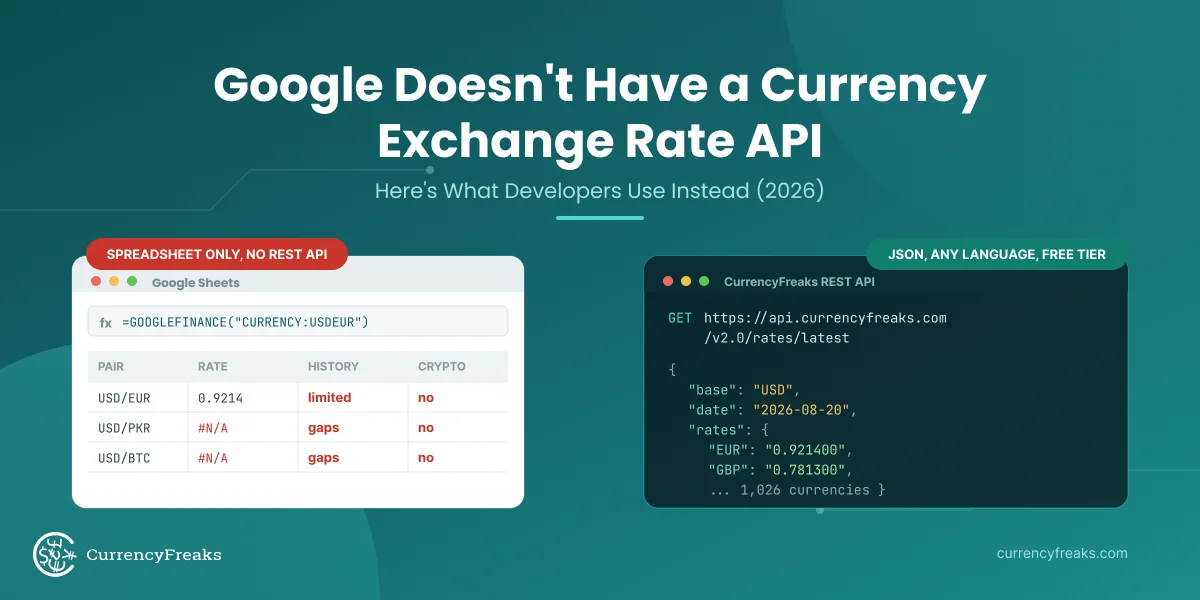
{
  "date": "2026-06-20 12:00:00+00",
  "base": "USD",
  "rates": {
    "EUR": "0.923100",
    "GBP": "0.781200",
    "JPY": "157.840000"
  }
}
Three differences to handle in your code:
1. Rate values are strings, not numbers. Fixer returns rates as floats (1.0823). CurrencyFreaks returns them as strings ("0.923100"). Cast them where needed: float(data['rates']['EUR']) in Python, parseFloat(data.rates.EUR) in JavaScript, (float)$data['rates']['EUR'] in PHP.
2. No success field. Fixer wraps every response in a success: true/false envelope. CurrencyFreaks does not, so check the HTTP status code directly. A 200 response is a success. A 401 means the API key is invalid or inactive. A 429 means you have hit your plan's request limit. A 402 means the endpoint you called is not included in your current plan.
3. The date field includes a time and timezone. CurrencyFreaks returns "2026-06-20 12:00:00+00" rather than just "2026-06-20". If your code does exact string matching on the date field, slice it first: data['date'][:10] in Python returns just the date portion.
Find-and-Replace Reference
For a typical integration, apply these string changes across your codebase in order. Replace the base URL and auth parameter first, then fix the endpoint paths.
| Find | Replace with |
|---|---|
https://data.fixer.io/api/ |
https://api.currencyfreaks.com/v2.0/ |
http://data.fixer.io/api/ |
https://api.currencyfreaks.com/v2.0/ |
access_key= |
apikey= |
'access_key' |
'apikey' |
"access_key" |
"apikey" |
FIXER_ACCESS_KEY |
CURRENCYFREAKS_API_KEY (in .env) |
After the base URL is swapped, update each endpoint path:
| Fixer path | CurrencyFreaks path |
|---|---|
latest |
rates/latest |
{date} (for example 2025-06-01) |
rates/historical?date={date} |
convert |
convert/latest |
timeseries |
timeseries (same path, rename start_date/end_date to startDate/endDate) |
fluctuation |
fluctuation (same path, rename start_date/end_date to startDate/endDate) |
symbols |
currency-symbols |
After the replacements, the two response changes to handle manually are casting rate values from strings to floats, and replacing any if response['success'] checks with HTTP status code checks.
Getting Your CurrencyFreaks API Key
- Go to currencyfreaks.com/signup.
- Sign up with email, Google, or GitHub. No credit card required.
- Your API key is on the dashboard immediately after signup.
- The free Developer plan includes 1,000 calls per month, SSL on every request, USD base currency, JSON and XML formats, and 24-hour rate updates.
If you need conversion, historical rates, or a non-USD base, see pricing for the plan that fits.
Testing the Migration
Before switching production, validate the migration in staging:
# Quick validation script. Run after swapping keys and URLs.
import requests

resp = requests.get(
    'https://api.currencyfreaks.com/v2.0/rates/latest',
    params={
        'apikey':  'YOUR_CF_KEY',
        'base':    'USD',
        'symbols': 'EUR,GBP,JPY'
    }
)

assert resp.status_code == 200, f"Unexpected status: {resp.status_code}"
data = resp.json()
assert 'rates' in data, "Missing rates key in response"
assert 'EUR' in data['rates'], "EUR not in rates"

# Rate values are strings. Cast to float to confirm it is a valid number.
eur_rate = float(data['rates']['EUR'])
assert 0 < eur_rate < 10, f"EUR rate looks wrong: {eur_rate}"

print(f"Migration validated. EUR per USD: {eur_rate:.4f}")
Run this against staging before deploying. If it passes, your latest-rates integration is working. If you migrated conversion, historical, or time series calls, add one assertion per endpoint and confirm your plan includes them.
Conclusion
Migrating from Fixer API to CurrencyFreaks comes down to a small set of changes in most codebases: the base URL, the auth parameter name, a few endpoint paths (/convert/latest, /rates/historical, /currency-symbols), the time series parameter casing (startDate and endDate), casting rate values from strings to floats, and removing the success envelope check in favor of HTTP status codes. Parameter names for symbols, base, from, to, and amount carry over unchanged.
The free Developer plan covers latest rates with a USD base at 1,000 calls per month. If you need conversion, historical data, a different base currency, or higher volume, the Starter plan at $9.99 per month is a lower entry point than Fixer's equivalent paid tier.
FAQs
How long does it take to migrate from Fixer API?
For a latest-rates integration, the migration typically takes under an hour. The base URL, auth parameter name, and endpoint path are the only changes for that use case. If you also migrate conversion, historical, or time series calls, allow an extra 30 minutes per endpoint for path changes, parameter renames, and response parsing updates.
What is the best Fixer API alternative for developers?
CurrencyFreaks is a strong alternative for developers moving off Fixer. It offers 10x the free-plan request volume (1,000 per month versus Fixer's 100), a USD default base instead of EUR-only, and coverage of more than 1,000 currencies including crypto and precious metals. For a full pricing and feature comparison, see the Fixer API vs CurrencyFreaks comparison.
Do I need to change my response parsing code significantly?
Mostly no. Two changes require edits: cast rate values from strings to floats, and replace if response['success'] checks with HTTP status code checks. Everything else in the response structure maps directly to your existing fields.
Does CurrencyFreaks support the same currencies as Fixer?
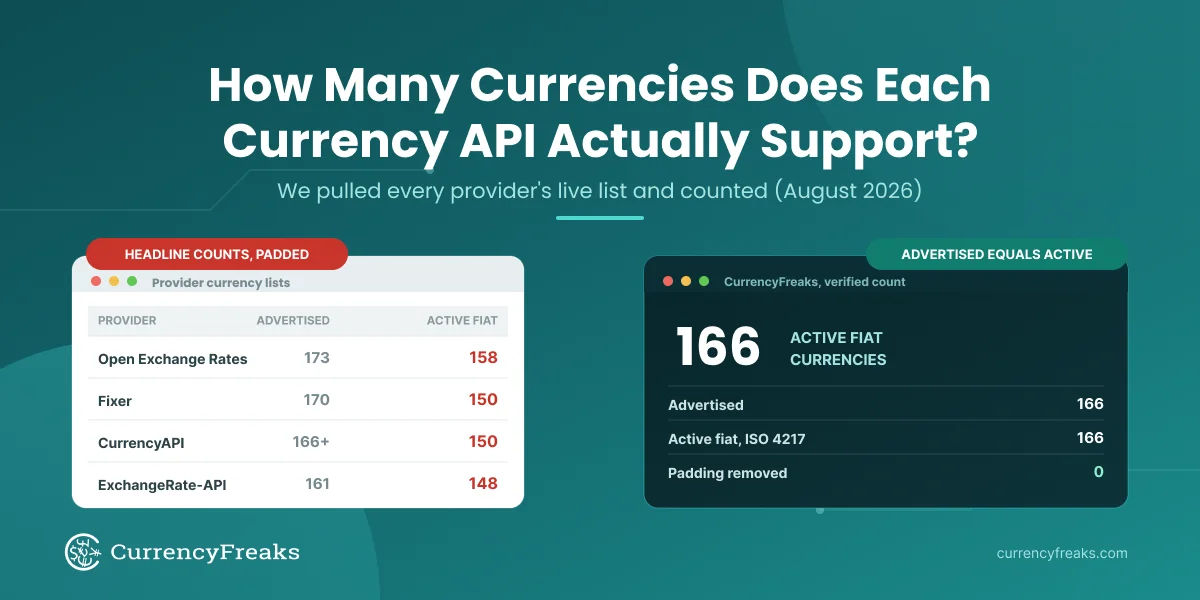
Yes, and more. CurrencyFreaks covers more than 1,000 currencies across fiat, metals, and crypto, compared with Fixer's 170. Any currency your application uses on Fixer is available on CurrencyFreaks.
Which CurrencyFreaks plan do I need to match my Fixer setup?
Latest rates with a USD base run on the free Developer plan. Currency conversion and historical rates require the Starter plan ($9.99 per month). Time series and fluctuation require the Professional plan. Confirm your endpoints against the plan-availability table before cutting over.
Can I run both APIs in parallel during migration?
Yes. Keep your Fixer key active, add a CurrencyFreaks key alongside it, and run both behind a feature flag until you have validated the CurrencyFreaks responses in staging. Then cut over and remove the Fixer code.
What happens if I exceed my CurrencyFreaks request limit?
Requests beyond your plan limit return a 429 status code, and calling an endpoint outside your plan returns a 402. The API returns a clear error rather than stale data, so cache responses where you can and check the status code on every call to handle these cleanly.
Is the CurrencyFreaks API suitable for production use?
Yes. CurrencyFreaks runs in production across fintech, e-commerce, and SaaS applications. SSL is included on all plans, and paid plans include priority support.
Switch to CurrencyFreaks today - sign up free, no credit card required.